HDMI设置
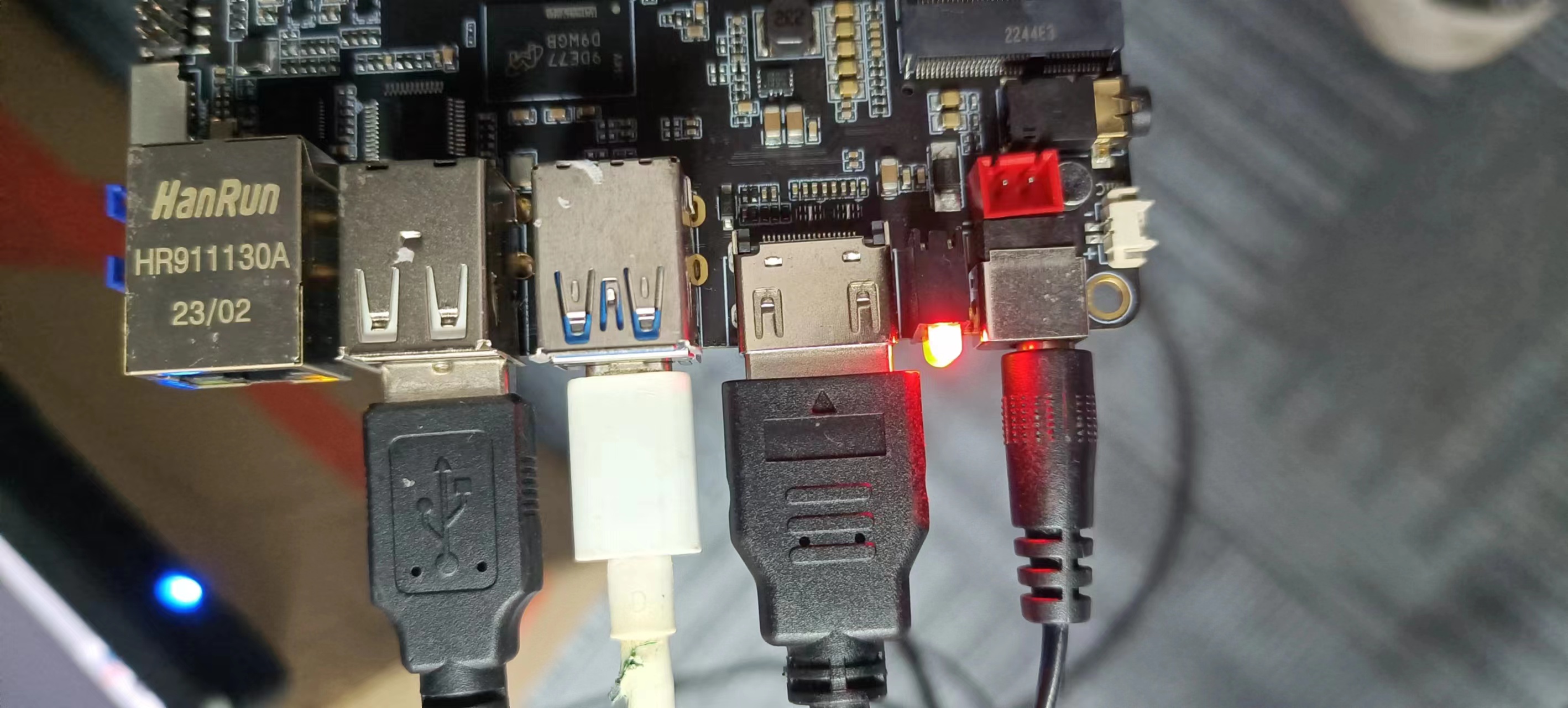
1.硬件连接
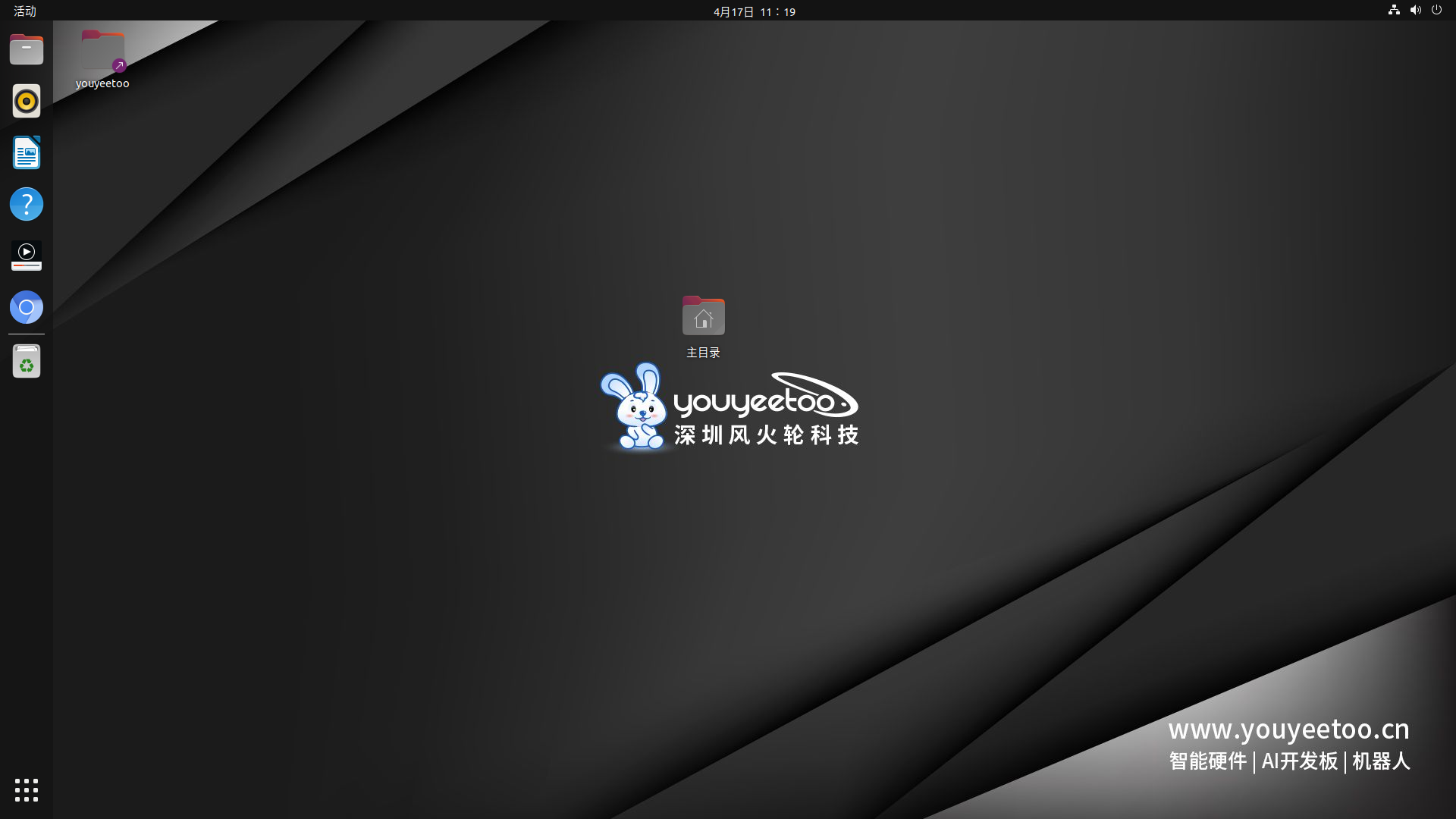
上电之后屏幕显示
2.软件设置
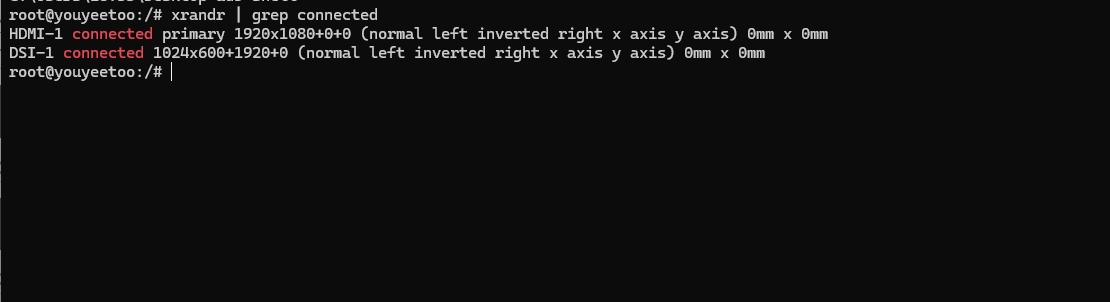
2.1.查看开发板已连接的显示器的信息
xrandr | grep connected
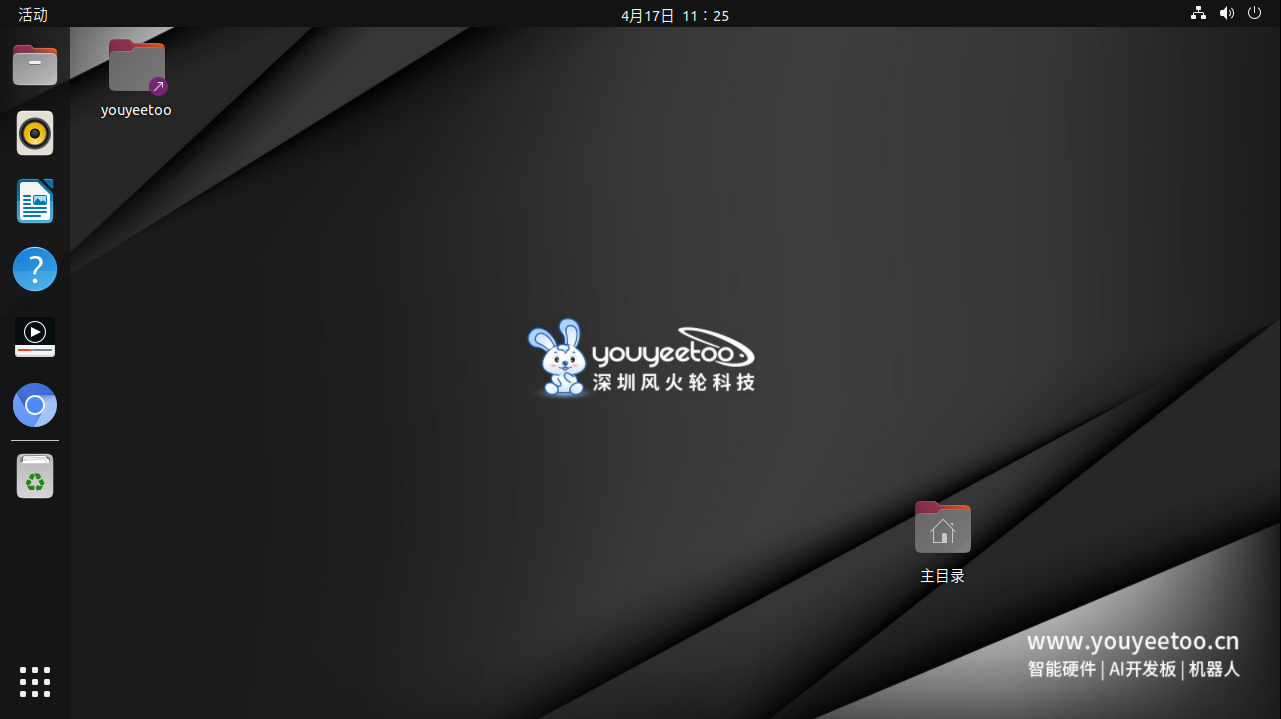
2.2.修改显示器的分辨率为1280x720(默认是1920x1080分辨率)
xrandr --output HDMI-1 --mode 1280x720
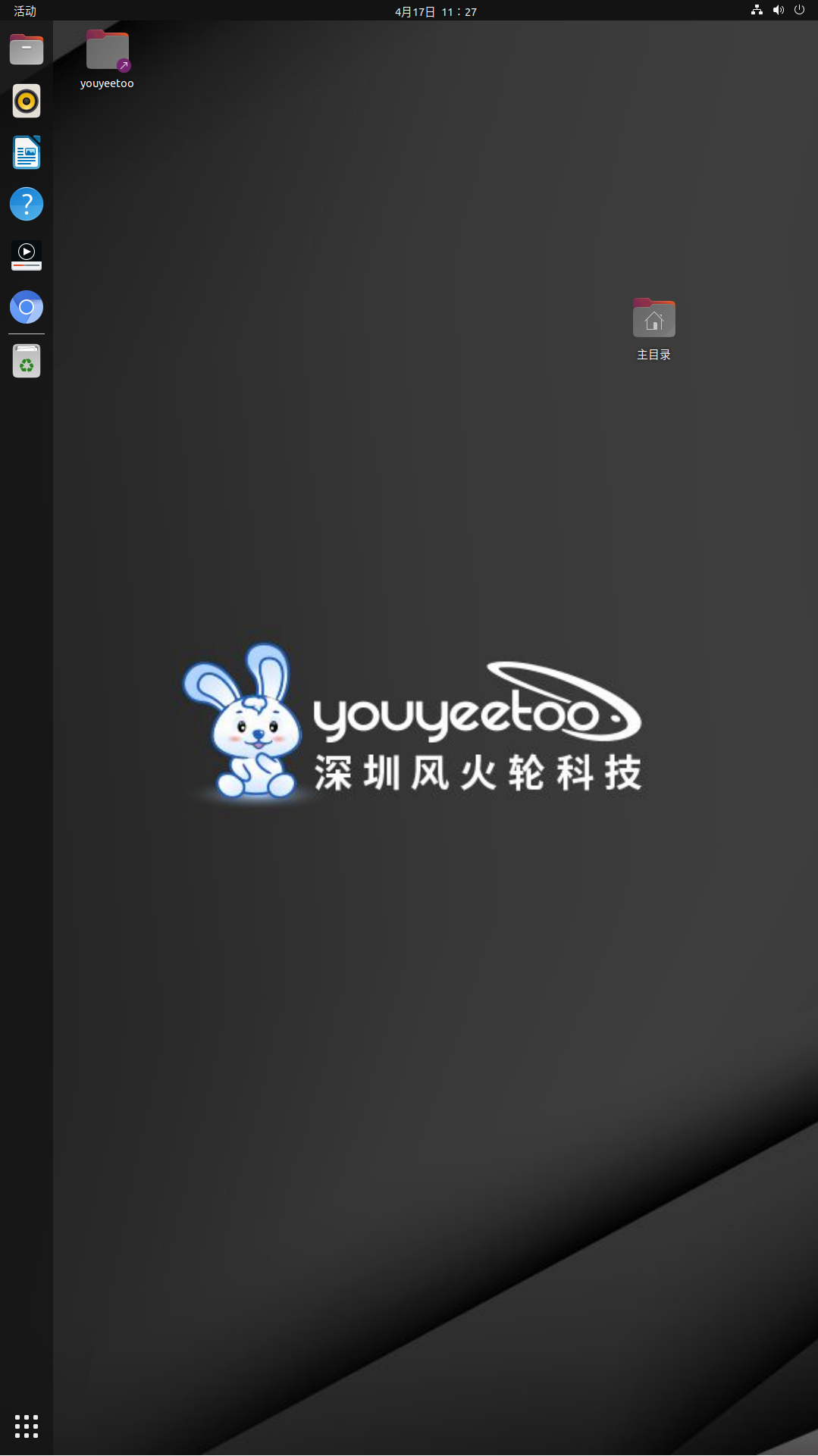
2.3.旋转屏幕
xrandr --output HDMI-1 --rotate left // 以向左旋转为例
xrandr --output HDMI-1 --rotate right // 向右旋转
xrandr --output HDMI-1 --rotate inverted // 倒转
xrandr --output HDMI-1 --rotate normal // 正常显示
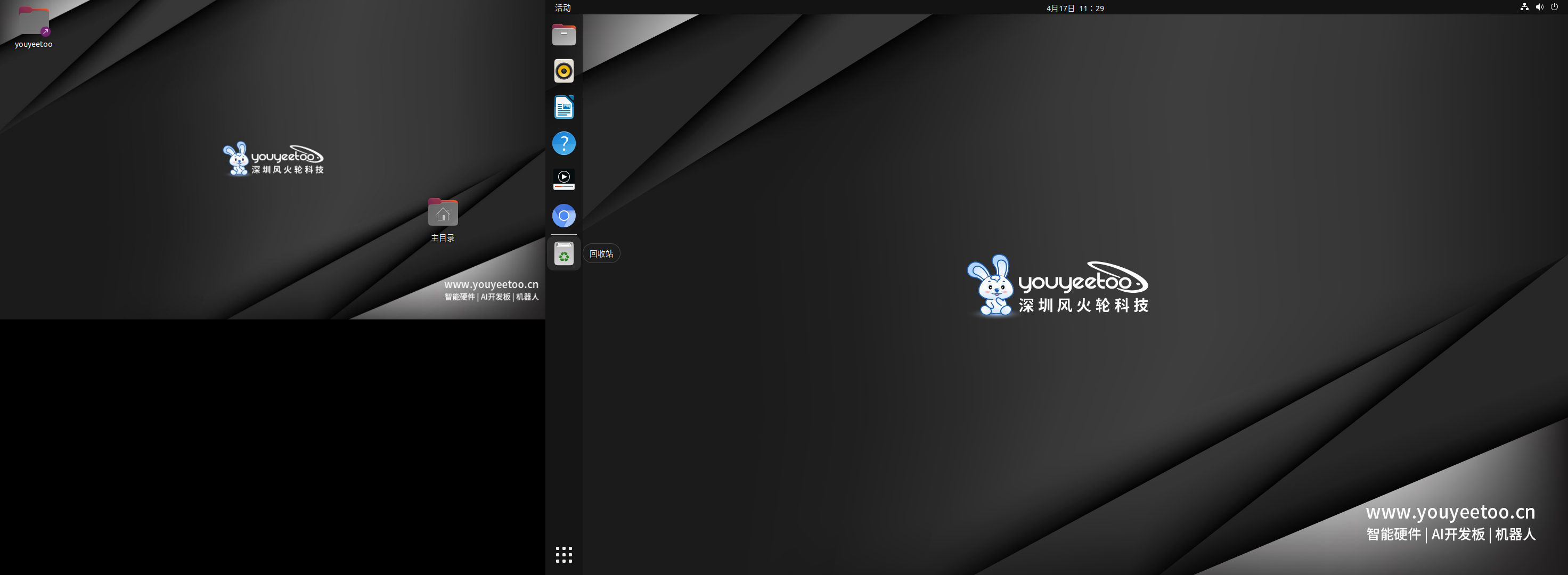
2.4.调整屏幕布局
将HDMI显示放在DSI-1的右边
xrandr --output HDMI-1 --primary --right-of DSI-1
2.5.设置新的分辨率模式
xrandr --newmode "1920x1200_60.00" 193.25 1920 2056 2256 2592 1200 1203 1209 1245 -hsync +vsync