Audio
AIO-Orin Nano has two audio outputs and one audio input.
Audio Output
Users can output audio through the headphone jack and HDMI port.
Interface Switching
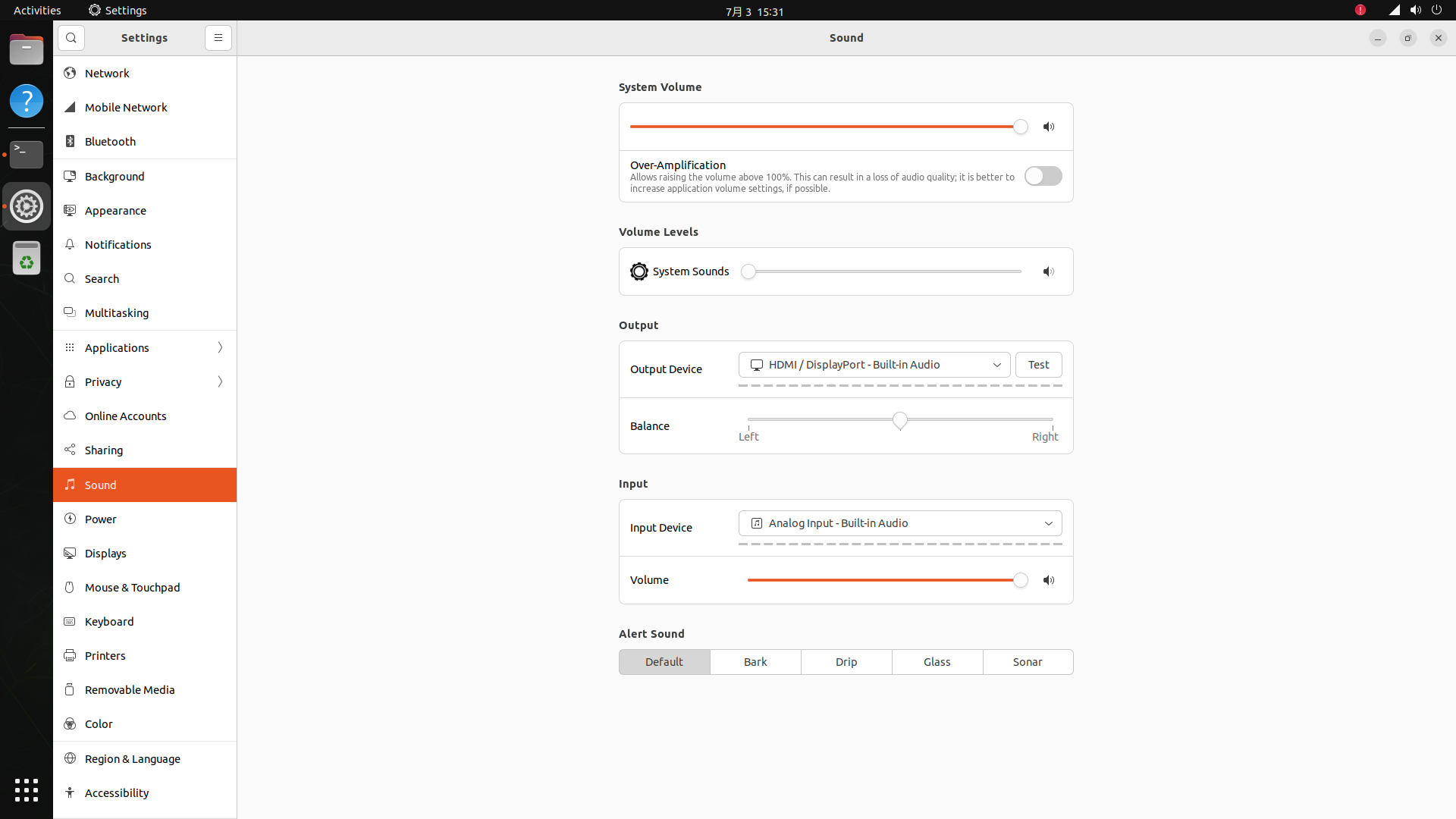
Switch between the headphone and HDMI interfaces in the system settings, selecting one for output:
Command Line Mode
In the terminal, execute the command:
# cat /proc/asound/cards
 0 [HDA            ]: tegra-hda - NVIDIA Jetson Orin Nano HDA
                      NVIDIA Jetson Orin Nano HDA at 0x3518000 irq 120
 1 [APE            ]: tegra-ape - NVIDIA Jetson Orin Nano APE
                      NVIDIA-NVIDIAJetsonOrinNanoDeveloperKit-NotSpecified-Jetson
-
HDArepresents the HDMI sound card, device number3 -
APErepresents the headphone sound card, device number0 -
HDMI
aplay -D hw:HDA,3 hdmi.wav # where hdmi.wav needs to be a stereo format file -
Headphones
amixer -c APE cset name="I2S2 Mux" ADMAIF1aplay -D hw:APE,0 test.wav
Audio Input
Using the APE sound card, connect the headphones to start recording, execute the command line:
amixer -c APE cset name="ADMAIF1 Mux" I2S2
arecord -D hw:APE,0 -c 2 -r 16000  -f S32_LE test.wav