Buildroot Desktop Applications
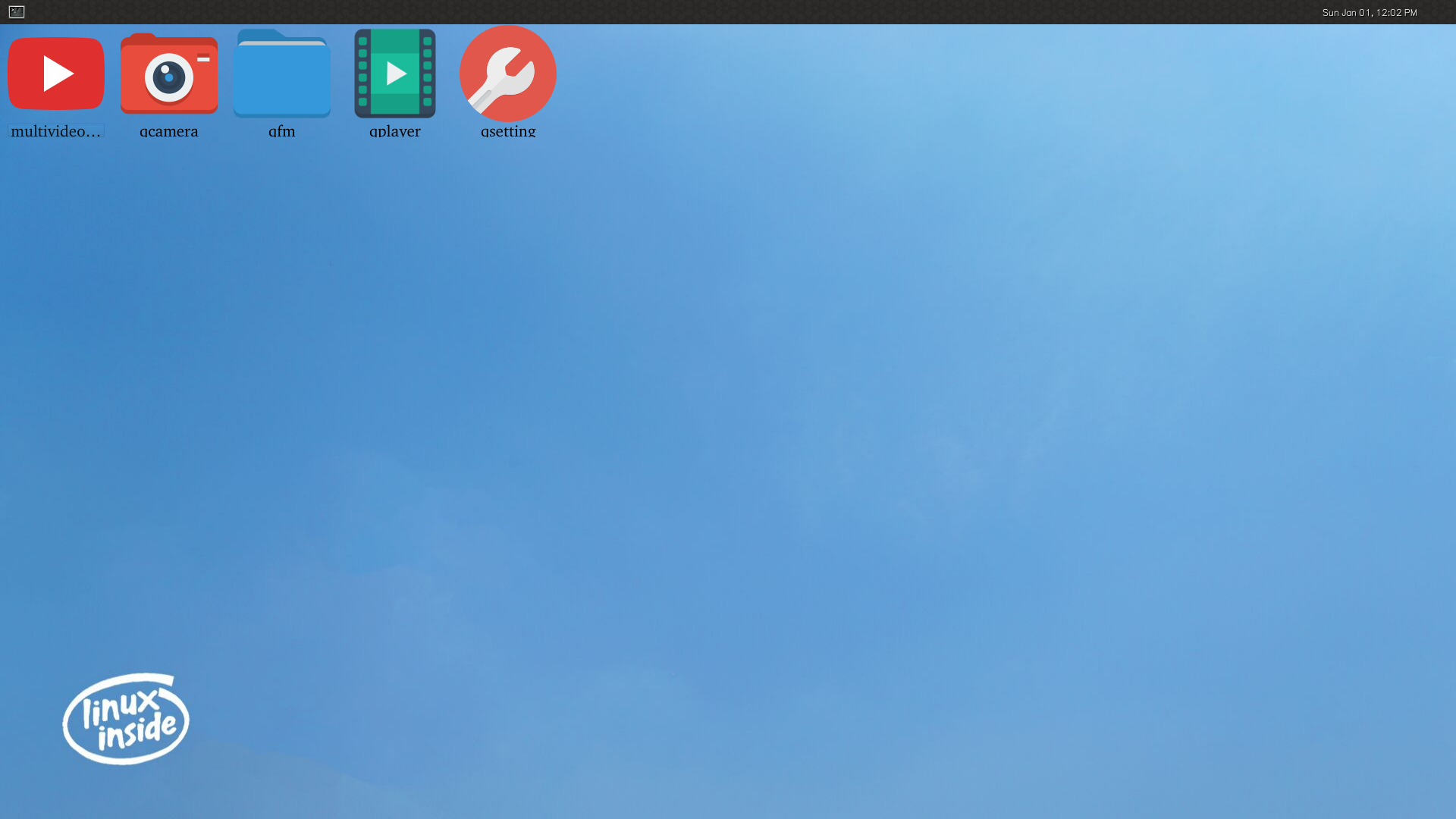
The officially released Buildroot firmware supports the Wayland desktop environment and some Qt applications by default, as shown below:
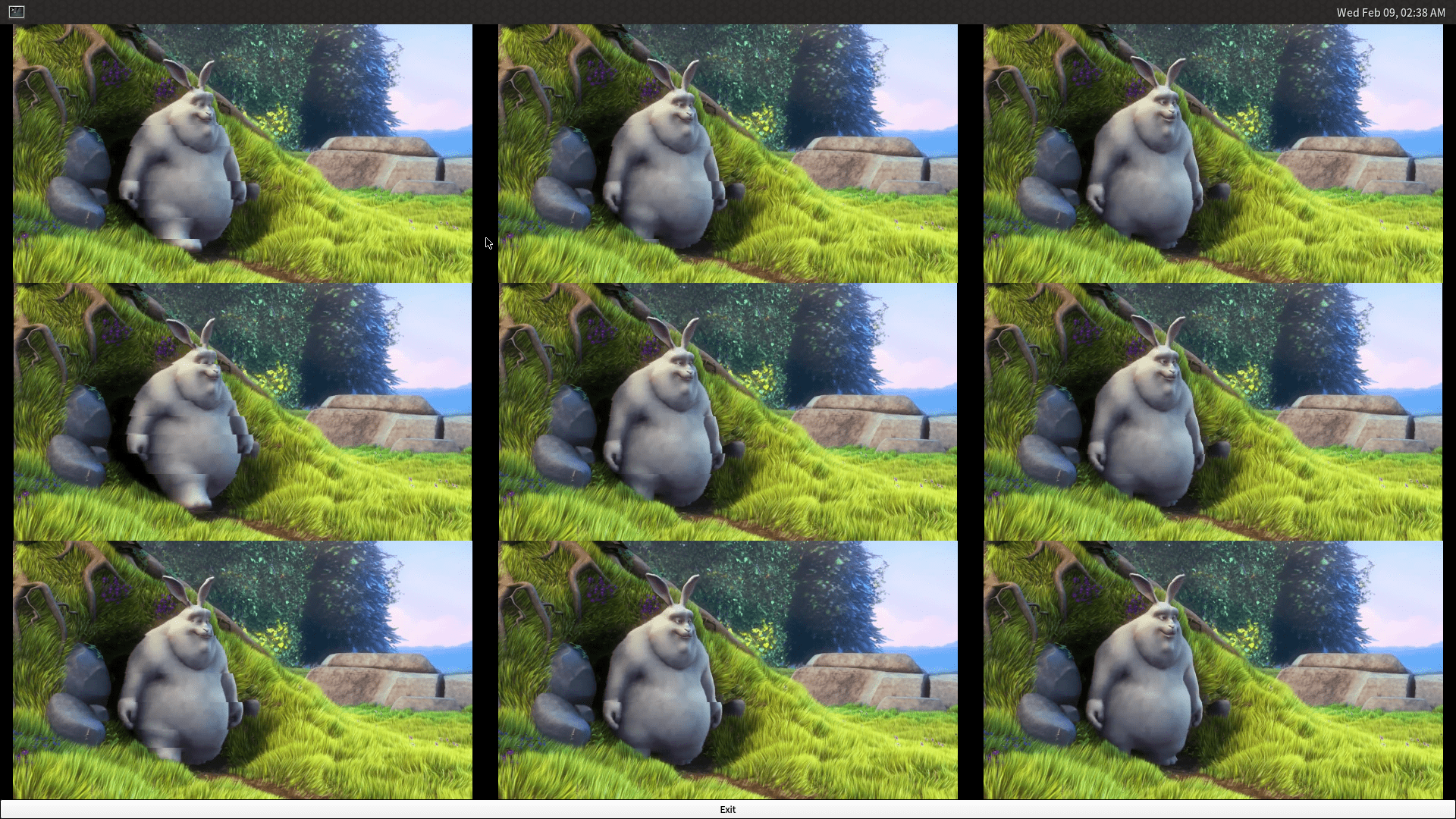
multivideoplayer
The multivideoplayer is used to test the device's multi-channel video playback ability, display ability and hardware decoding ability.
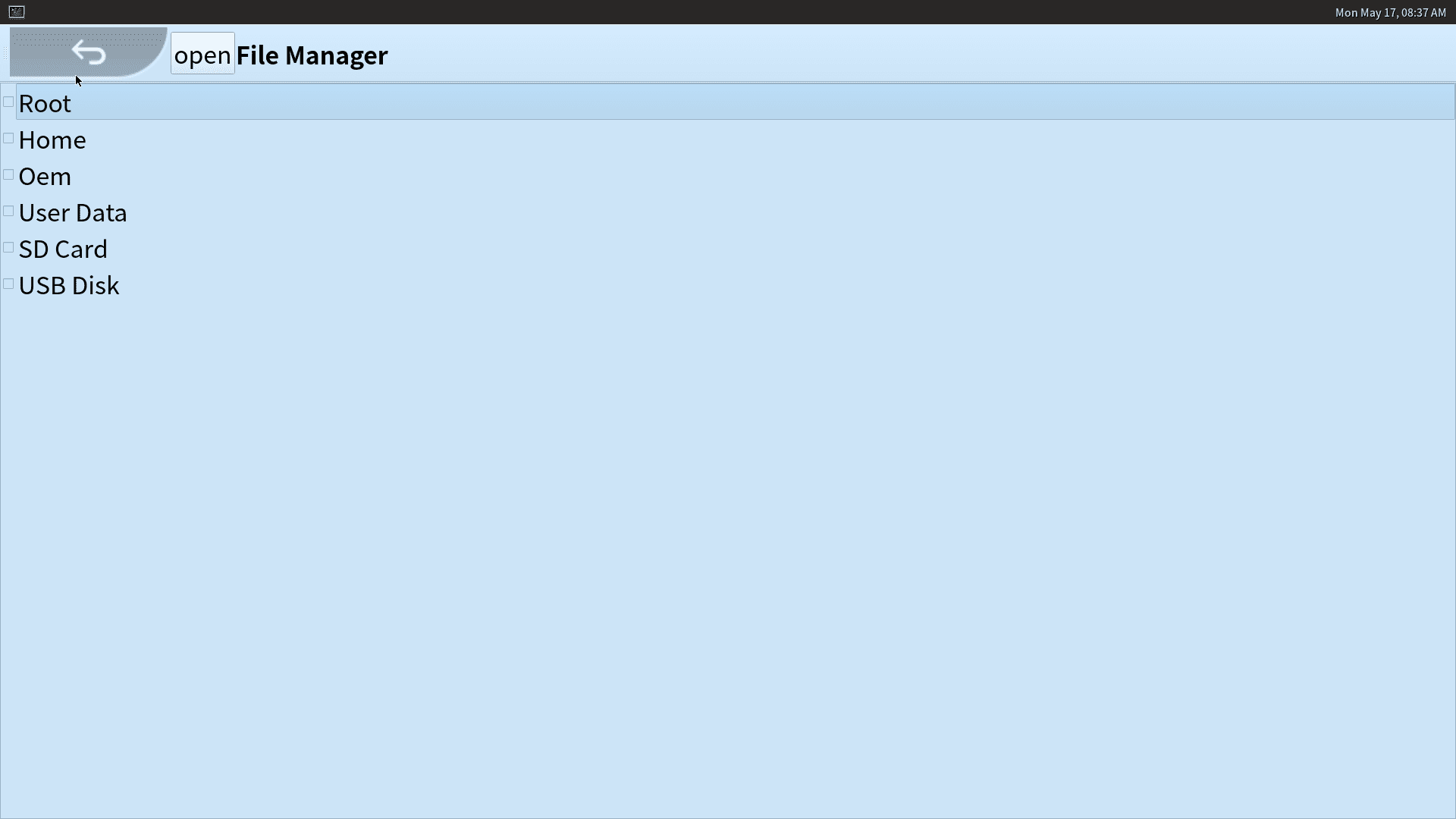
qfm
The qfm is a file browser.
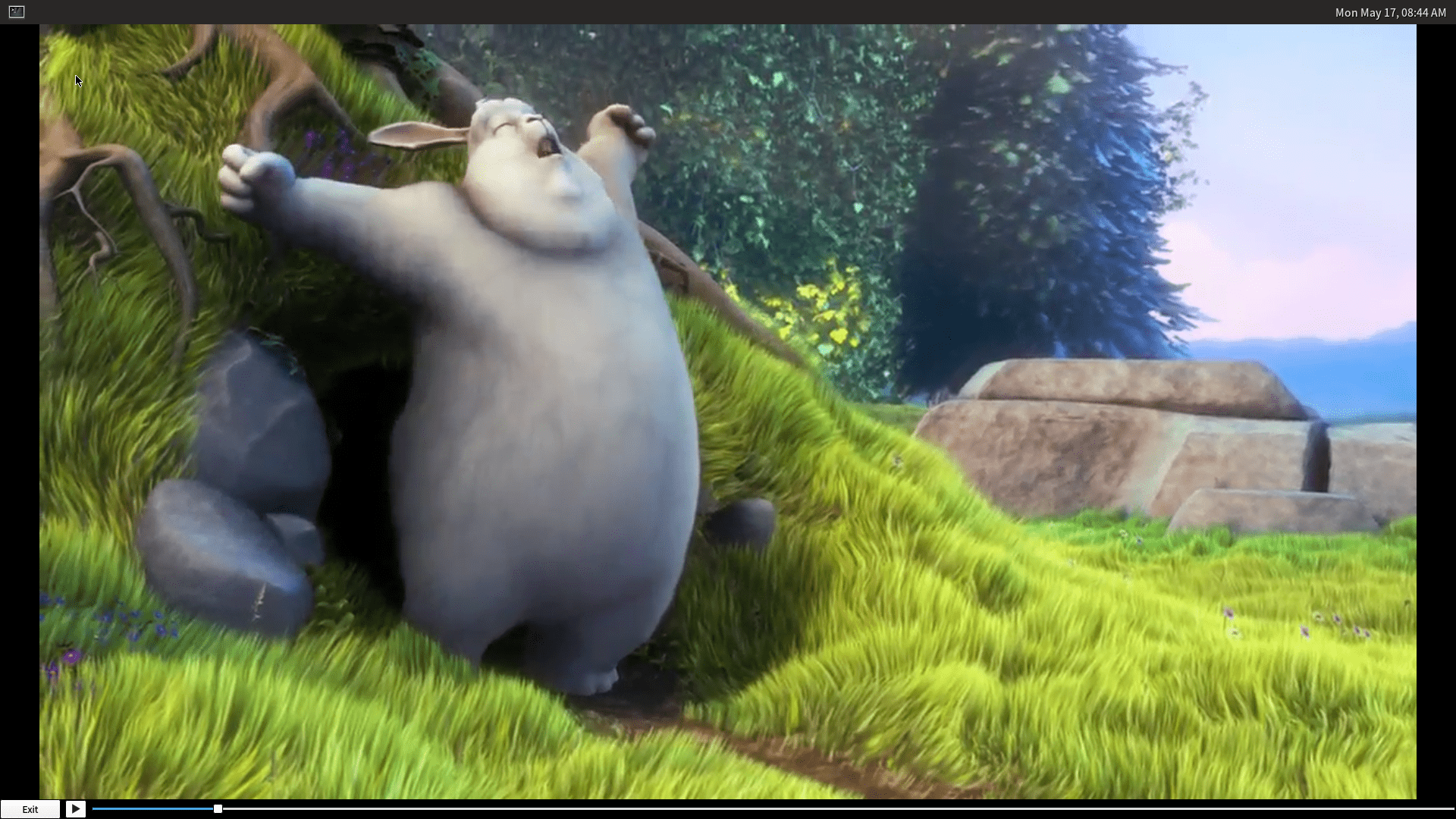
qplayer
The qplayer is a multi-function player, it can play videos, audios and display pictures.
qcamera
The qcamera is a camera application, can take photos and record videos.
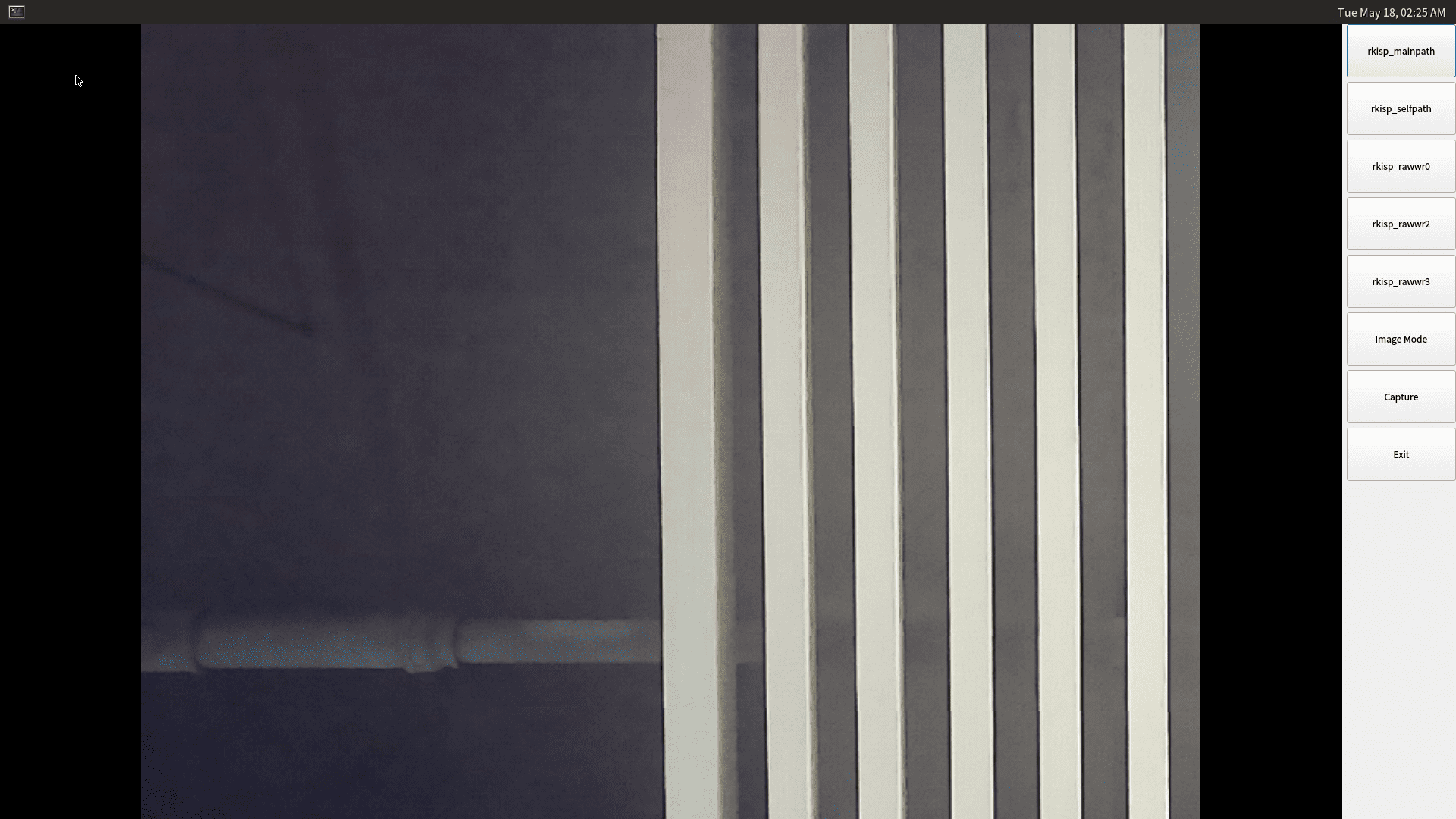
Launch the qcamera when device is connected to a camera, qcamera will automatically display the camera pictures. And the buttons on the right side are:
- Image Mode: Now is image mode, click to change to the video record mode.
- Capture: capture image, it will change to Record button when in video record mode.
- Exit: close the application.
qsetting
The qsetting is a system setting tool, you can config WiFi connection, bluetooth connection and perform factory reset, firmware update in it.
